ASMR sounds
ASMR for Sleep
Soft brushing, delicate tapping and the close-up rustle of everyday textures. No-talking ASMR gives you something gentle to listen to, with no story to follow.
Discover your favorite ASMR textures in SleepBetter.
Download on theApp Store
What does ASMR feel like?
ASMR stands for autonomous sensory meridian response. The term describes a pleasant response some people have to particular sounds or visual cues, sometimes with a tingling sensation around the scalp or neck. Not everyone experiences tingles, and finding a sound relaxing does not depend on feeling them.
A few textures to explore
Sound preferences are very individual. A texture that feels comforting to one listener can be distracting to another, so start with short listens.
Brushing
Soft, repeated sweeps with a close and detailed texture. SleepBetter includes brushing-related recordings such as Pure Scalp Brushing.
Tapping and crinkles
Small percussive sounds and delicate material textures, with more individual details than rain or steady noise.
Ear-cleaning ASMR
Recorded close-up textures with a sense of left and right space. These are sounds for listening, not instructions for cleaning your ears.
Hair brushing, scalp brushing or microphone brushing?
If you are searching for hair-brushing ASMR with no talking, compare the stroke texture first. Brushes moving through hair, around the scalp or across a microphone produce different details. This page previews Pure Scalp Brushing; use the guide to decide which brushing style you enjoy.
Make listening feel comfortable
Try a quiet volume while you are still awake. Headphones can reveal stereo detail, but they are optional and should remain comfortable. If a texture feels unpleasant, stop or choose a natural sound instead. SleepBetter keeps ASMR recordings together with rain and ocean sounds so your choice can change with your mood.
Play ASMR with your iPhone screen off
Start a recording in SleepBetter, then lock your iPhone with the side button. Playback can continue without keeping the screen on. Leave the app running, and use the sleep timer if you want it to stop after a chosen duration.
A little more to explore
SleepBetter · iPhone
An ASMR app with no-talking recordings
In SleepBetter, start with Pure Scalp Brushing or explore Cotton Ear Treatment. The website sample is a 45-second preview; the app brings these recordings together with nature sounds.
- Compare a brushing recording with a different texture while awake.
- Save the one you enjoy as a favorite for next time.
- Use the sleep timer if you want playback to stop after a chosen duration.
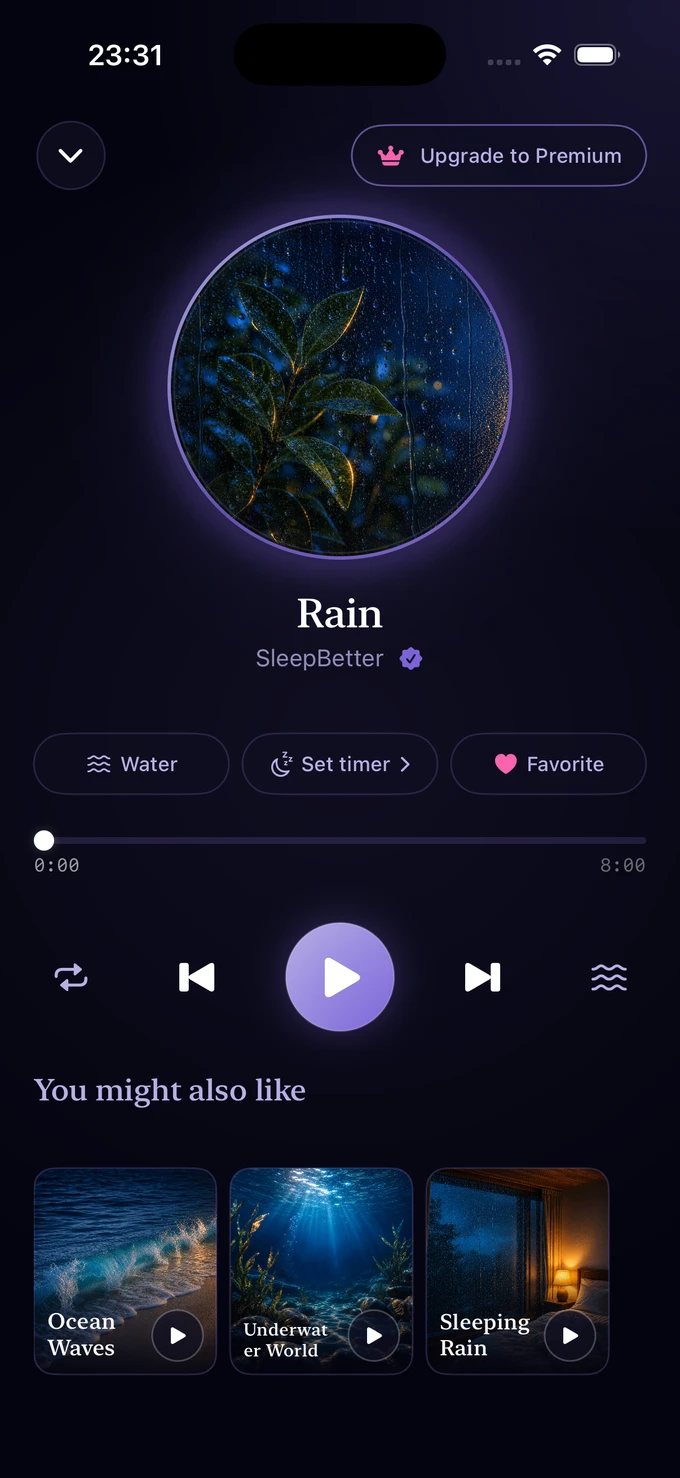
SleepBetter · iPhone
No-talking ASMR in the SleepBetter app
47 close-up recordings in four categories. None of them has anyone speaking.
- Brushing: Pure Scalp Brushing, Hair Wash, Mic Coating Collection
- Ear Cleaning: Cotton Ear Treatment, Goose Feather Ear Cleaning, Foam Ear Cleaning
- Mouth Sounds: Soft Mouth Sounds, Gentle Mouth Sounds, Gentle Tongue Clicks
- Tapping & Crinkle: Slow Tapping, Bubble Wrap Crinkles, Crystal Singing Bowl
A few common questions.
Do I need to feel tingles to enjoy ASMR?
No. Some listeners simply like the soft sounds. Others do not enjoy ASMR at all. Neither response is unusual.
Is the ASMR in SleepBetter spoken?
SleepBetter focuses on prerecorded sound textures, including no-talking brushing, ear-cleaning, tapping and crinkle audio.
Is ASMR a treatment for sleep problems?
No. SleepBetter is for relaxation and bedtime routines. It does not diagnose or treat sleep conditions. Persistent sleep difficulties are worth discussing with a healthcare professional.
Can I listen to SleepBetter ASMR with my iPhone locked?
Yes. Start playback in SleepBetter, then lock your iPhone with the side button. Audio can continue with the screen off, and a sleep timer will stop it at the duration you selected. Leave the app running rather than force-closing it.
Stay a little longer
More ways to unwind.



A little less noise. A little more rest.
Sleep better tonight.
Your favorite sounds. Your own quiet corner of the night.
Download on theApp StoreMade for iPhone. Made for winding down.
Scan to open the SleepBetter download page.